01
Select Text to Translate
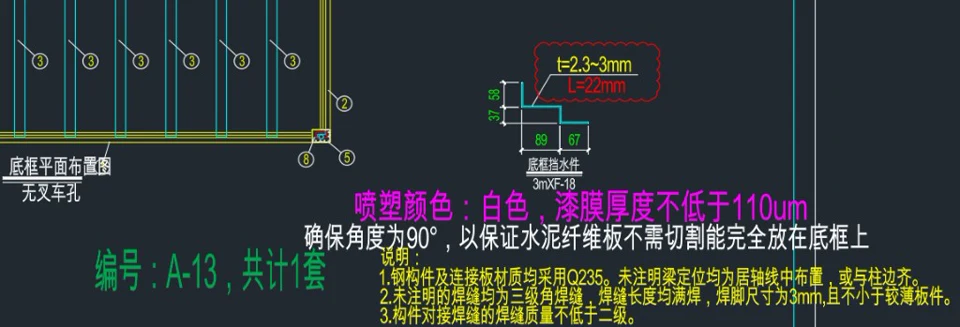
Select the Chinese drawing text objects directly inside CAD.
M O S U C A D
CAD drawing translation plugin for engineers. Translate drawing text directly inside AutoCAD, ZWCAD, and GstarCAD with in-place replacement, editable native text, and batch translation.
 Mosu CAD Translate×
Mosu CAD is a Windows CAD drawing translation plugin supporting AutoCAD 2018 – 2027, ZWCAD 2024 – 2026, and GstarCAD 2025 – 2027. Translate, edit, and top up credits directly inside the plugin—no switching back and forth between CAD, spreadsheets, and translation websites.
Select the Chinese drawing text objects directly inside CAD.
Pick from 35 target-language options in the plugin panel, including English, Chinese, and Japanese.
Translated text is written back near its original position and remains editable. Batch translation is available; review the result before delivery.
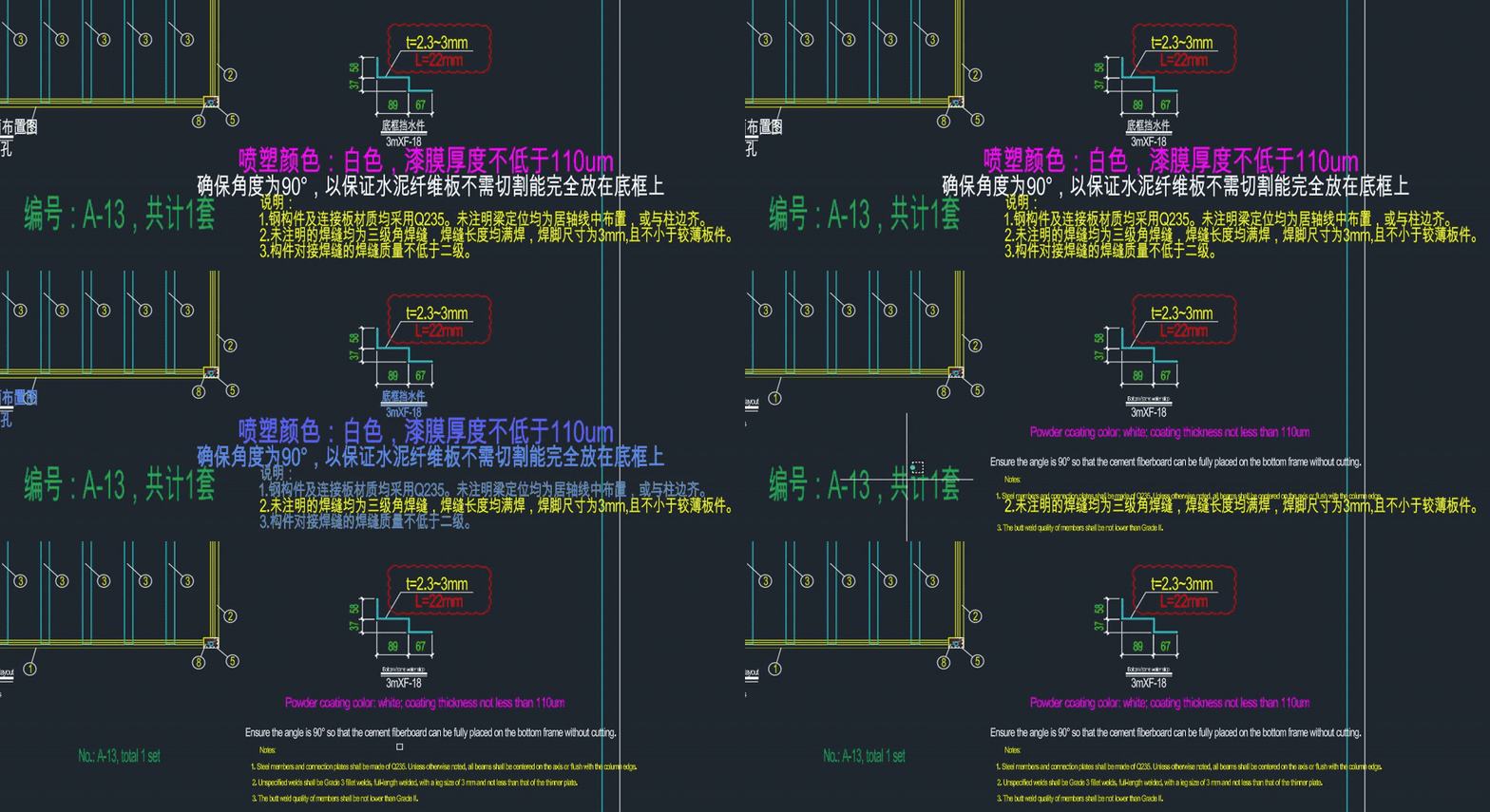
Standard single-line and multiline text translate in place and remain editable. Block attributes are skipped and unbilled; test tables on a copy first. Stroke-text recognition is not included in the current public package.
Supports native CAD single-line Text (DBText)
Supports native CAD multiline text (MText)
Select multiple text objects at once for batch translation
Directly edit and refine translations inside your drawing
Not included in the current public package
Select multiple text entities in a drawing to translate in batches.
Yes. Written-back text remains native CAD text for easy manual checking and adjustment.
Choose from 35 target-language options; review fonts and layout for each drawing.
Supports AutoCAD 2018 – 2027, ZWCAD 2024 – 2026, and GstarCAD 2025 – 2027 (Windows 64-bit).
One unified installer automatically detects and configures your installed CAD versions.
New user registration bonus (subject to in-app display).
Earn 20 credits for each invited new user registration, up to 10 friends (200 credits total).
Practical CAD tutorials to help you get the most out of Mosu CAD.

Distinguish missing SHX/TTF fonts from corrupted encoding before running translation.

Compare common drawing translation workflows and key quality checks for units and terminology.
More questions? View full FAQ →
Download and install to sign in, translate drawings in place, and top up credits directly inside CAD.